Back to Catalog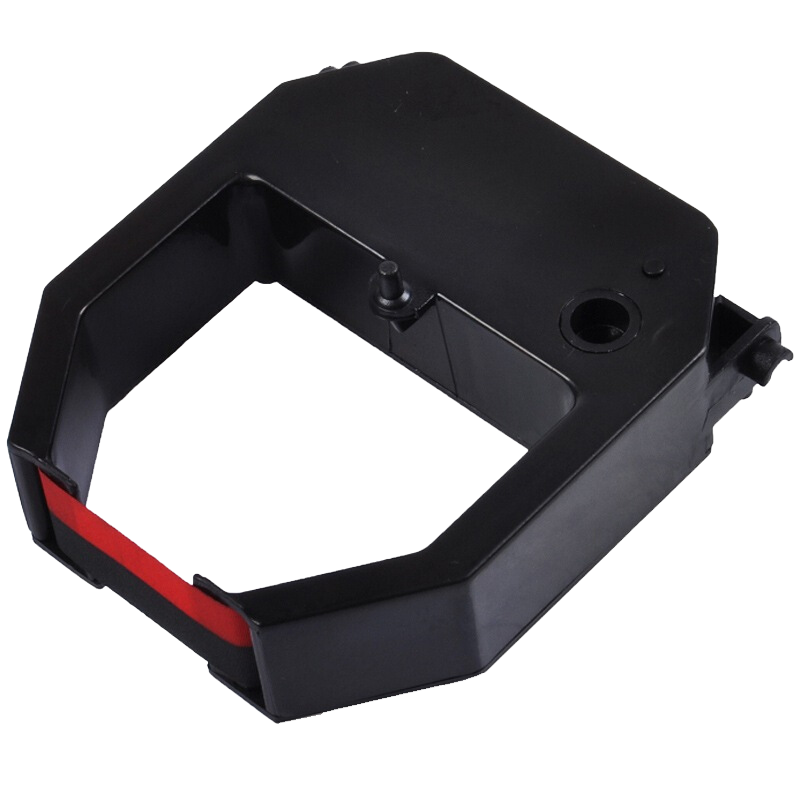
 View
View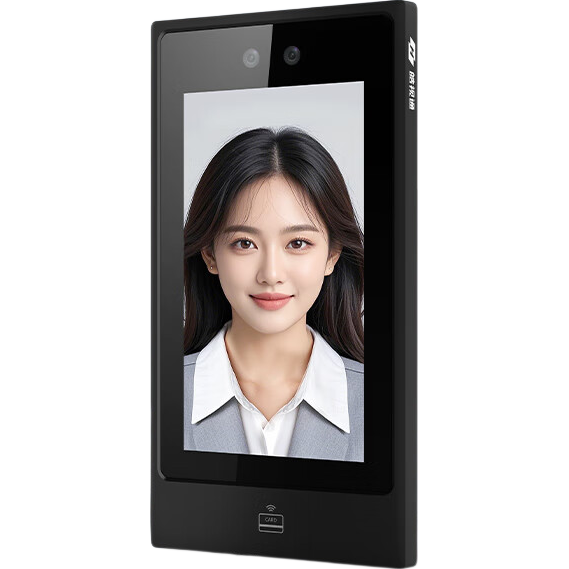 View
View
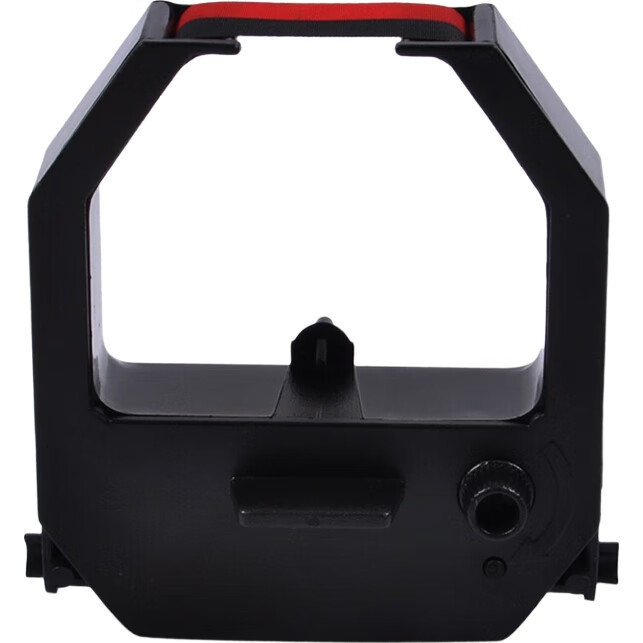
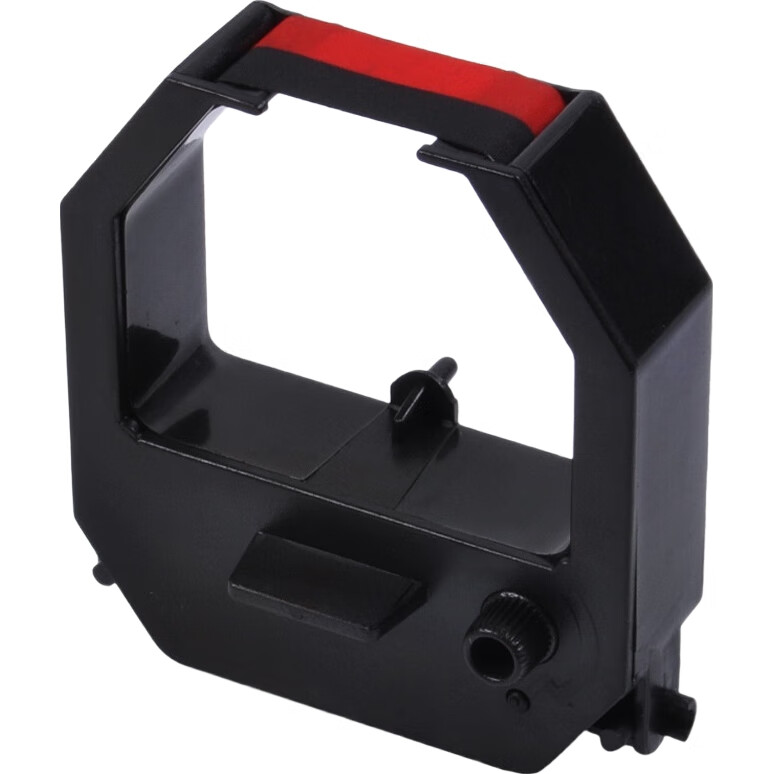
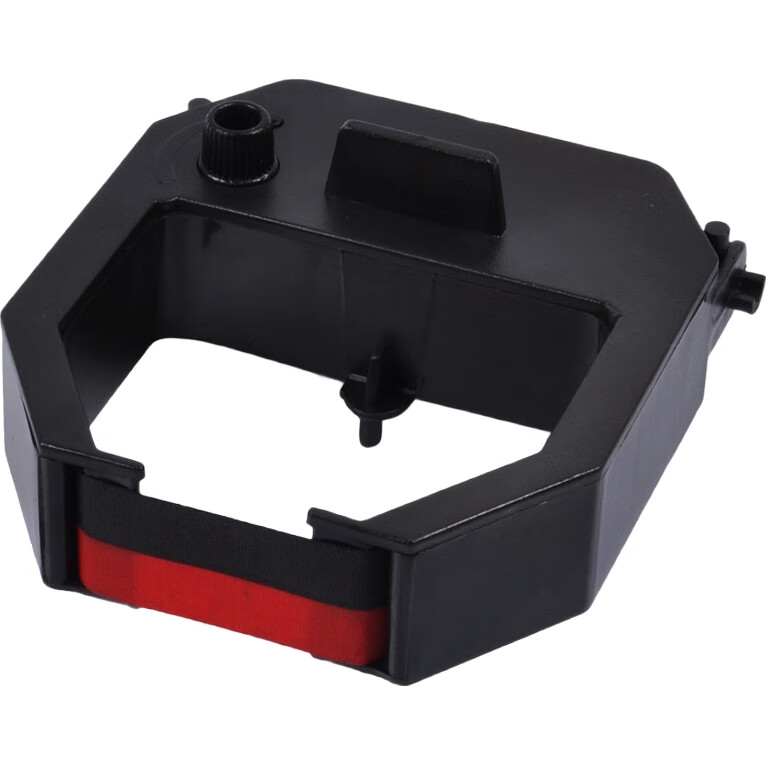
Aibao Dual-Color Time Clock Ribbon Compatible with Aibao and Xinmi Models Attendance Machine Ribbon 1 Piece
CN¥19.00
SKU: 731090
Status:In Stock (7)
ID: 731090
Weight: 25.00 g
Dims:71x70x37 mm
Specifications
- Type
- Other
- Output mode
- SD memory card
- Category
- Attendance machine
Variants / Sale Attributes
Type: Ribbon / 1 piece
Package Contents
Ribbon × 1
Product Description
Product Specifications
Overview
- Brand
- Aibao
Aibao ribbon suitable for all Aibao attendance machines. After years of research and testing, the Aibao ribbon can print approximately 50,000 times, which is equivalent to the attendance needs of a 20-person company for about 2-3 months.
Additional details
- Ribbon width
- 37 mm
- Ribbon length
- 70 mm
- Model
- H-RCA
Certified by ISO9000
Universal ribbon for Aibao attendance machines
High-quality printing with clear and beautiful output
Standard packaging for Aibao ribbons
1. Power off the attendance machine before replacing the ribbon.
2. Use the key to open the lock cover to access the ribbon.
Similar Products
In Stock
Clocking-in machine
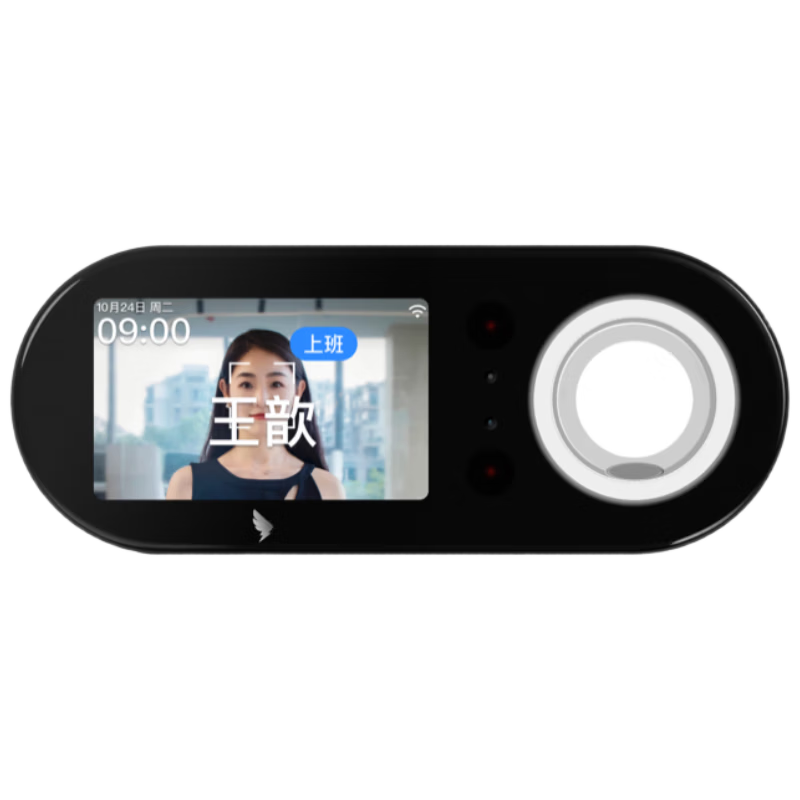
DingTalk Attendance Machine M1F Upgraded Facial and Fingerprint All-in-One Multi-Location Multi-Store Clock In Smart Attendance M5F
[Brand New Upgrade] Facial Recognition + Fingerprint Attendance Machine M5F
CN¥409.00
In Stock
Clocking-in machine
Haoshitong Hikvision Facial Recognition All-in-One Access Control Attendance Machine with Card, Password, Enterprise WiFi, 7-inch Screen, Supports Electromagnetic Lock
7inch: Face recognition + card swipe WiFi
CN¥779.00