Back to Catalog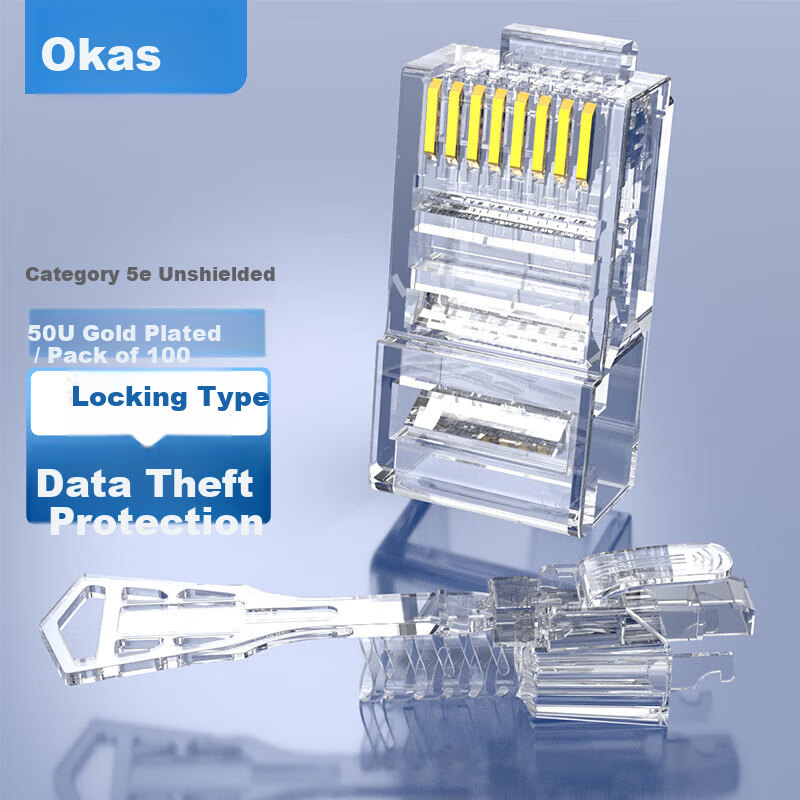
 View
View View
View
AUCAS Cat5e Anti-Pull Locking RJ45 Crystal Connector with Security Lock Data Theft Protection 8P8C Gold-Plated Network Cable Connector 100pcs ACRJ57UP
CN¥718.00
SKU: 100135667859
Status:Out of Stock
ID: 100037409438
Weight: 370.00 g
Dims:256x231x57 mm
Specifications
- Category
- Other
- Type
- RJ45 connector
Variants / Sale Attributes
Model: Category 5e Unshielded [Locking Type]
Version: 100 items
Package Contents
1
Product Description
Product Specifications
Overview
- Brand
- AUCAS
1. Insert the network cable end into the dedicated tool.
2. Firmly grip the cable.
3. Use a small wire stripper to completely strip the cable jacket by rotating the stripper and removing the outer sheath.
4. Arrange the wires according to the 568B wiring standard.
5. Place the wires into the cutting slot and trim them evenly.
6. Organize and align the separated wires inside the crystal head, ensuring the wire cores are fully inserted into the connector, leaving approximately 1 cm of wire length.
7. Trim the wires to leave a 1 cm length.
8. Insert the cable cores fully into the crystal head.
9. Push the locking protective sleeve to the top inside the crystal head, ensuring the protective clip is positioned underneath to unlock the state.
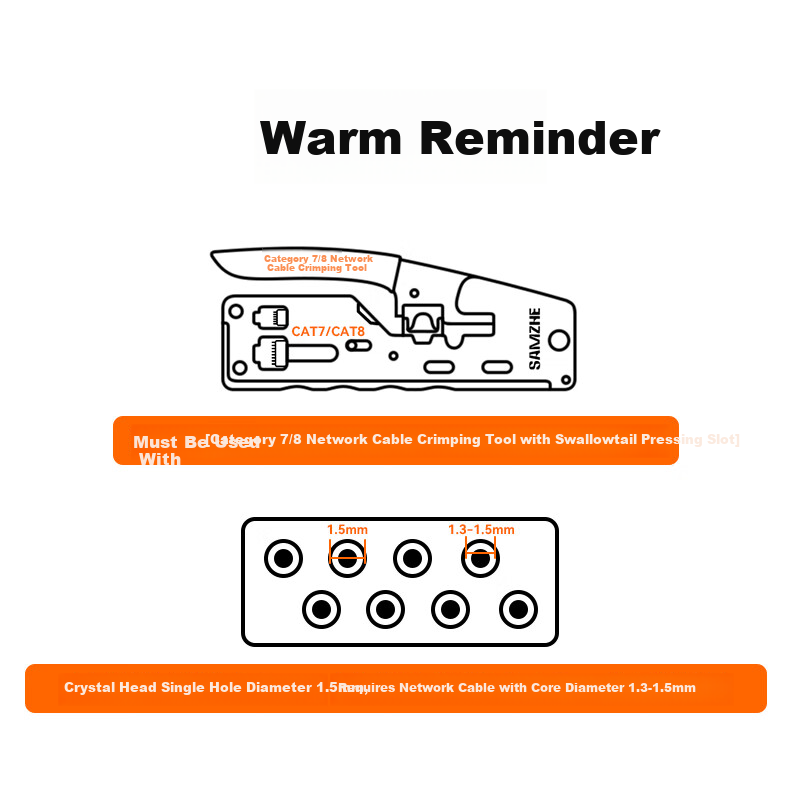
10. Insert the crystal head into the corresponding crimping slot.
11. Use the network cable crimping tool to press the crystal head, aligning the copper contacts properly.
12. Complete the crimping process, ensuring the protective clip resets to the upper position and the connector is securely attached.
ENCEMETALHEADSHIELD INTERFERESHIE®
AUCAS™
Similar Products
In Stock
EB-LINKNetwork accessories
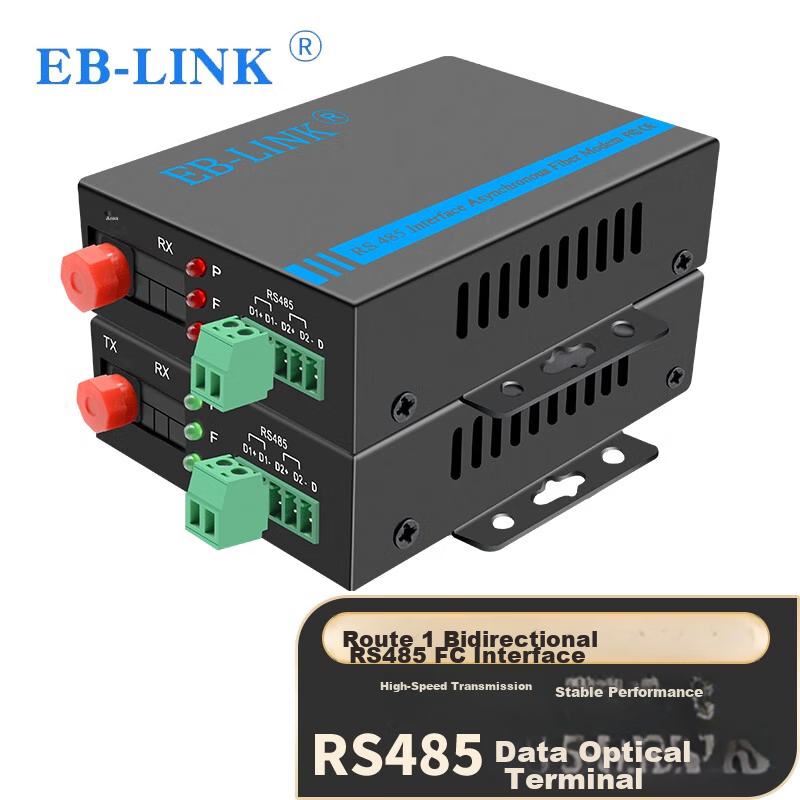
EB-LINK RS485 Data Fiber Optic Extender Industrial Serial Port Control Optical Modem Bidirectional 485 to Fiber Optic Transceiver Optical-Electrical Converter
1channel bidirectional 485 optical transceiver
CN¥145.00
In Stock
SAMZHENetwork accessories
ShanZe 100Mbps Single-Mode Dual-Fiber Optical Module 155M SFP Fiber Module (1310nm, 20KM, LC) XSZ-SMB20S
100Mbps LC Singlemode Dual Fiber [20 km] Single Strand
CN¥77.00